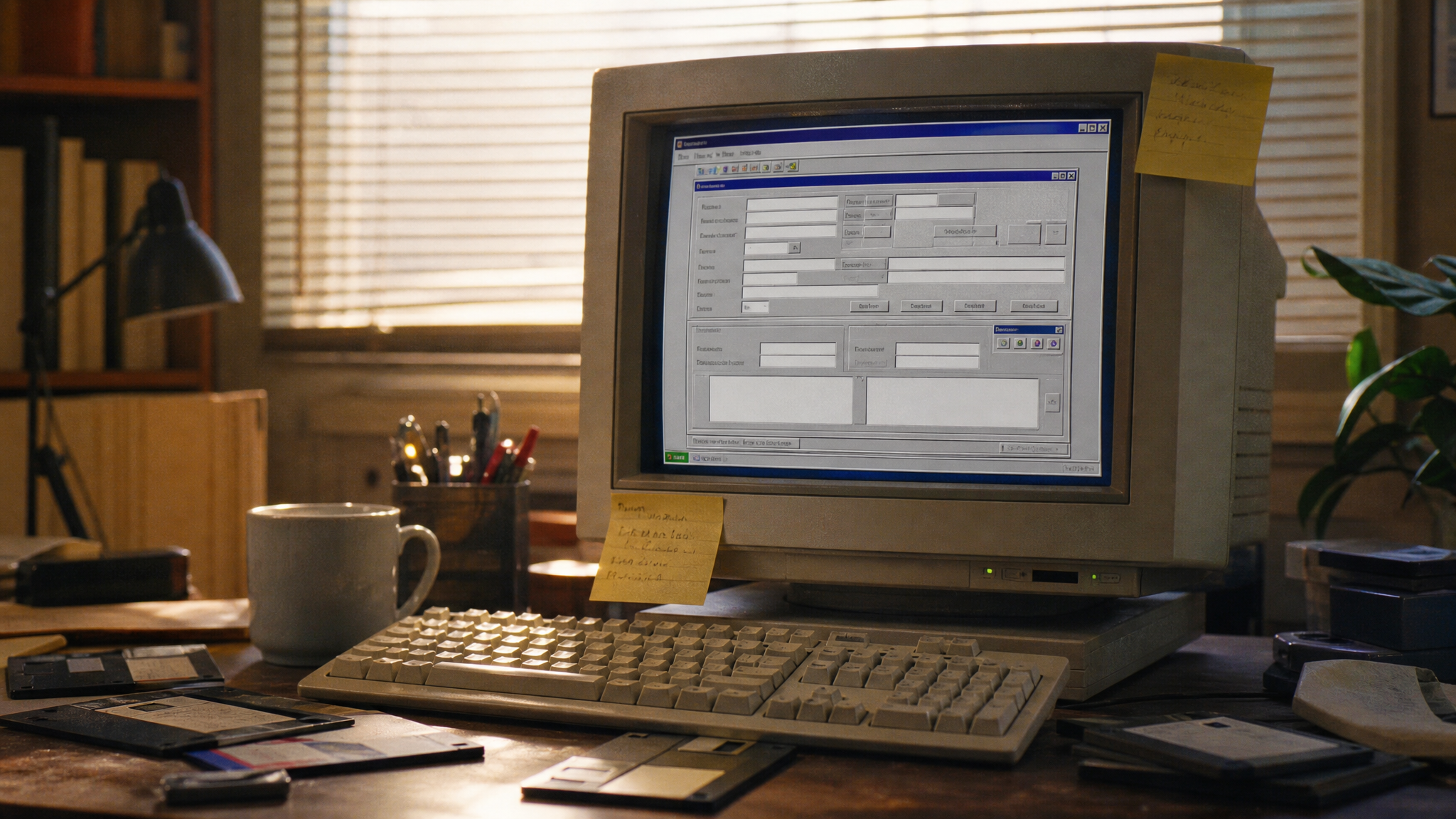
There is an application I sometimes have to think about that was written in 1996. Visual Basic on one side, a bit of Gupta/Centura on the other, a stored procedure that nobody has touched since the Spice Girls were charting. It still runs. It still bills customers. And every few months, somebody opens a ticket against it and the entire room goes quiet, because the last person who actually understood the data flow retired in 2014.
This is not a story about 1996 being a bad year for software. It wasn’t. The tools were fine. VB was a reasonable choice. Gupta was a reasonable choice. People shipped real systems with them and got paid for it, and a lot of those systems are still earning their keep.
The story is about what happened next.

The thing nobody plans for
When you build something in 1996, you are not thinking about 2026. You are thinking about Friday’s release, the customer demo on Tuesday, and whether the new printer driver is going to behave. Twenty-four years from now is not a thing. Twenty-four years from now is science fiction.
But then twenty-four years happen anyway. The original developer leaves. The company gets acquired. The customer signs a new contract that piggybacks on the same database. Somebody quietly bolts a web frontend on top. The “temporary” CSV export becomes the source of truth for three downstream systems. The codebase doesn’t get worse all at once — it gets worse the way teeth get worse: a little neglect at a time, very politely, until one day it hurts.
So here is the only rule I really care about anymore:
Write code as if someone — maybe you, maybe a stranger — will have to read it, run it, and answer for it in twenty or thirty years.
That sounds dramatic. It is not. It is just honest. Most of the code I have written that I am still proud of, I wrote with that sentence in my head. Most of the code I am embarrassed about, I wrote in a hurry on a Friday afternoon thinking nobody would ever look at it again.
Somebody always looks at it again.
Old tools aren’t the problem
I want to defend Gupta for a second, because it gets bullied unfairly. Gupta isn’t the reason a 1996 application is a security risk today. The reason is that nobody has reviewed the architecture, the codebase, the deployment process, or the data flow in twenty-four years. You could rewrite the whole thing in Rust this afternoon and if you skipped those four things you would have a brand new monster in five years instead of a slightly older one.
The age of the tool is mostly cosmetic. The absence of oversight is what bites.
Please stop developing on the customer’s system
I will keep this short because it should be obvious, and it keeps not being obvious.
A customer’s production system is not your IDE. It is not your scratchpad. It is not the place where you “just try something quickly”. The moment you start editing files there, swapping DLLs there, hot-patching a stored procedure there — you have lost the ability to say with confidence what version of your software is actually running. The customer becomes your test environment. Their data becomes your fixtures. And the next time something breaks at 11pm, you genuinely will not know whether it’s the version from the release notes or the version with the favour you did for the support team in March.
If personal data is involved, it stops being merely sloppy and starts being a problem you have to explain to a lawyer.
Three environments. Dev, test, prod. Boring. Effective. Non-negotiable.
ZIP files are not a deployment strategy
I love a good ZIP file. They’re convenient. You build, you zip, you SCP, you unzip, you restart the service, and you go to lunch. It feels efficient because in the moment it is efficient.
The problem is that ZIP-as-release-process is a slow-acting poison. Over years:
- Old DLLs sit there because the new ZIP didn’t contain them and nobody noticed.
- Two slightly different versions of the same library end up in two folders.
- The config file gets overwritten by the next release because nobody marked it as a config file.
- Temp files from a failed unzip in 2019 are still on disk.
- Nobody can answer the question “which files belong to the current install?” with a straight face.
You don’t notice the day it goes wrong. You notice the day, three years later, when someone asks you to prove what’s running in production and you realize you can’t.
ZIP files aren’t a deployment concept. They’re usually the first step toward losing control.
It doesn’t have to be Kubernetes. It doesn’t have to be fancy. An MSI, a signed installer, a Docker image, an Ansible playbook, even a versioned tarball with a checksum and a manifest — anything where you can later point at a release and say “that, exactly that, is what is on the box”. That’s the bar.
Documentation is not a nice-to-have. It’s operational safety.
I used to think documentation was for other people. Then I came back to my own code after two years and realized I was the other people. I had no idea why I had done what I had done. The clever bit I was so pleased about was now a riddle, written by a stranger who happened to type like me.
Document the things you will forget:
- Why a decision was made, not just what was done. “We picked option B because option A loses precision on negative amounts” is worth ten times more than “uses option B”.
- The data flow. Where does this number come from, where does it go, who else reads it.
- The fiddly business rule that nobody believes until they hit it. (“Customers from Bavaria get a different tax code because of a 2011 ruling — see ticket #4421.”)
- The deployment recipe, including the embarrassing manual steps.
This isn’t bureaucracy. It is the only thing that lets a system survive the people who built it.
Technical debt becomes security debt
This is the part most teams underestimate.
An old CSV export written in 2003 is fine — until somebody points a new integration at it and now PII is leaving your system over plain HTTP. A share that “everyone in finance” had access to is fine — until “everyone in finance” means 84 people including three contractors you’ve never met. A debug utility that dumps the database to disk is fine — until it ends up in a backup that ends up in someone’s Dropbox.
None of those started as security problems. They started as technical conveniences. Time turned them into liabilities. If you process personal data and your data flow diagram is “I think it goes through that one EXE that Klaus wrote”, you do not have a diagram, you have an incident waiting for a date.
Enter the IT-Gruffalo
Here is the metaphor that finally made this stick for me.
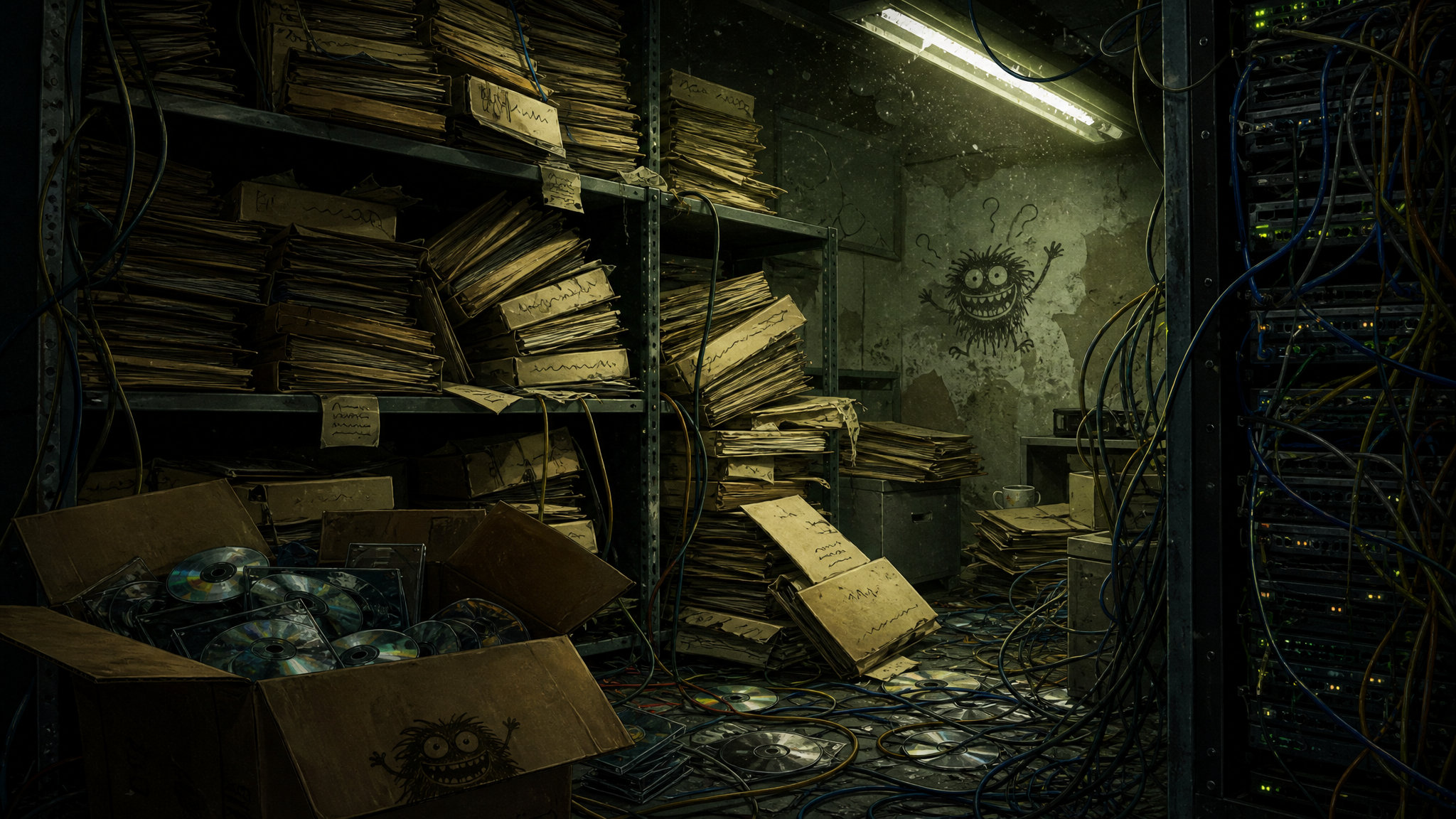
The IT-Gruffalo doesn’t appear out of nowhere. It doesn’t move into the woods because of one bad file or one bad decision. It builds itself, quietly, out of small shortcuts that were each individually defensible at the time. A quick hotfix here. A ZIP file there. An undocumented tweak on the customer’s box. An ancient export script nobody owns. A config file that lives in two places with two slightly different values.
Every single one of those, on its own day, looked sensible. Nobody was being lazy. People were being pragmatic. But pragmatic decisions stack. And one Tuesday morning, years later, the thing is standing in the doorway, and it’s too big to ignore and too tangled to explain.
The IT-Gruffalo doesn’t come from one big mistake. It comes from a hundred small shortcuts that never got cleaned up.
You don’t fight it with a rewrite. You fight it by not feeding it in the first place.
The boring checklist that actually helps
Nothing on this list is exciting. That is the point. The Gruffalo is allergic to boring.
- Don’t develop on customer systems. Ever. Build a dev environment, even a crappy one.
- Keep dev, test and prod genuinely separate. Different machines, different credentials, different data.
- Document the code, the architecture, and the data flow. Not perfectly — just honestly.
- Treat deployment as a real engineering problem. Version it. Automate where you can. Stop the ZIP-and-pray loop.
- Review old files and old features on a schedule. Delete what nobody owns. Replace what you can’t explain.
- Bake in security, privacy, and operability from day one. Retrofitting them later costs ten times more and works half as well.
- Write down the business rules, especially the ugly ones. The market for “the only person who understands the billing logic” is a bad market to corner.
- Write code that a competent stranger could pick up in five years and feel basically okay about.
Closing
Old software isn’t automatically bad software. I’ve seen 1996 code do more useful work than some 2024 microservice architectures I’ve reviewed. Age is not the enemy.
The enemy is opacity. Software you can’t explain, can’t deploy cleanly, can’t reason about, can’t audit. Software that has drifted so far from anyone’s understanding that the only honest answer to “what does it do?” is “well, it works, mostly, please don’t touch it.”
Legacy is allowed to be old. Legacy is not allowed to be unsupervised.
Write the code, sure. But also write the README, draw the diagram, version the release, separate the environments, document the weird bit, and once in a while, walk back through what you built and ask whether you’d be comfortable handing it to a stranger.
Because the stranger is coming. They always do. And if you do the boring work now, the worst they’ll find is some honest old code. If you don’t, they’ll find a Gruffalo.
And nobody wants to meet the Gruffalo on a Monday morning.